Deals
What is the Deals page?
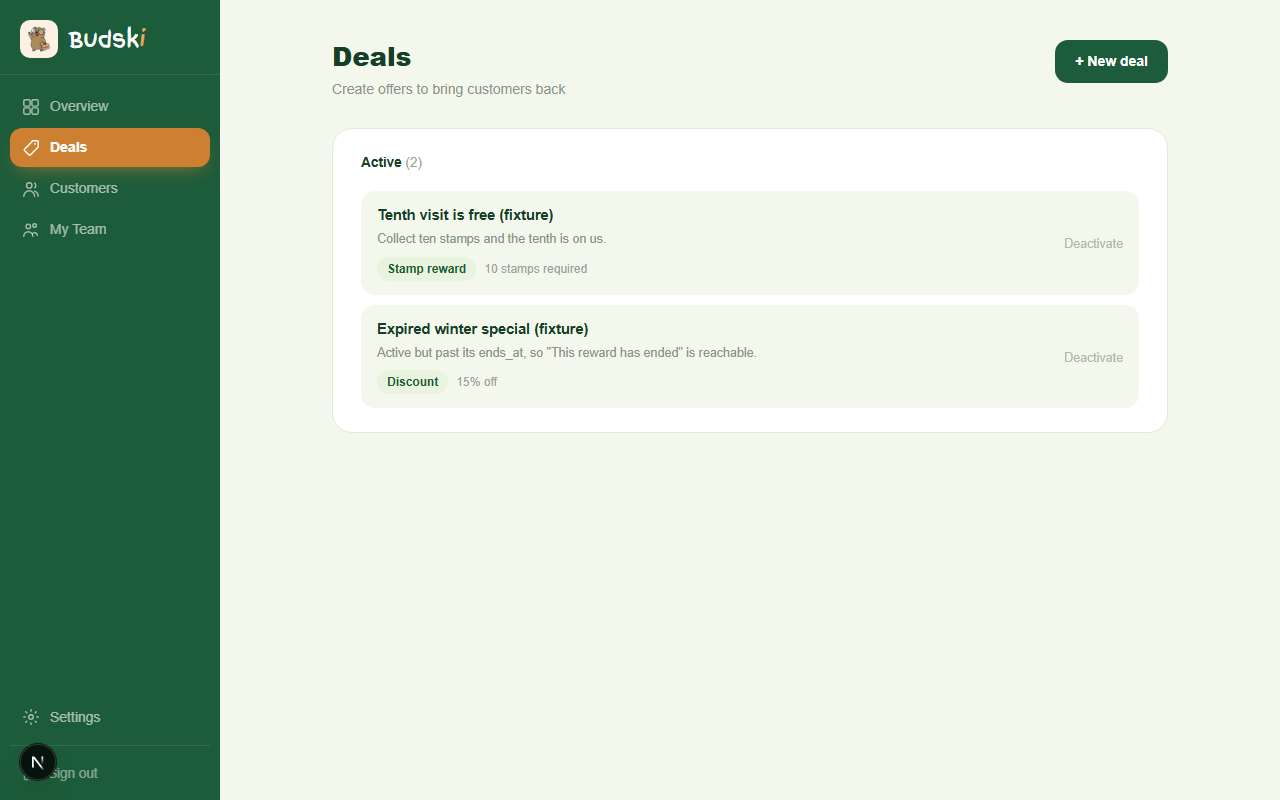
The Deals page is your full list of every deal you have created — both the ones currently running and those you have switched off. From here you can see what is live, create something new, and deactivate deals that are no longer relevant.
Active deals
At the top of the page is the Active section. Each deal shows its title, description, deal type (Stamp reward, Flash deal, or Birthday special), and — for stamp rewards — how many stamps a customer needs to collect.
To switch a deal off, click Deactivate next to it. The deal moves to the Inactive section. You can create a new deal at any time.
Inactive deals
Deals you have deactivated appear in a greyed-out section below the active list. They are kept for your records. If you want to run a similar offer again in the future, you can use an inactive deal as a reference and create a new one.
Deal types at a glance
| Type | What it does |
|---|---|
| Stamp reward | Customer earns a reward after collecting a set number of stamps |
| Flash deal ★ | Time-limited offer to drive traffic during quiet periods |
| Birthday special ★ | Sent automatically to a customer on their birthday |
★ Flash deals and Birthday specials are available on the Growth plan.
Creating a new deal
Click + New deal in the top right corner to go straight to the deal builder. See the New Deal help article for a step-by-step guide.
Need help? Email help@budski.co.za