Compliance
Who sees this page?
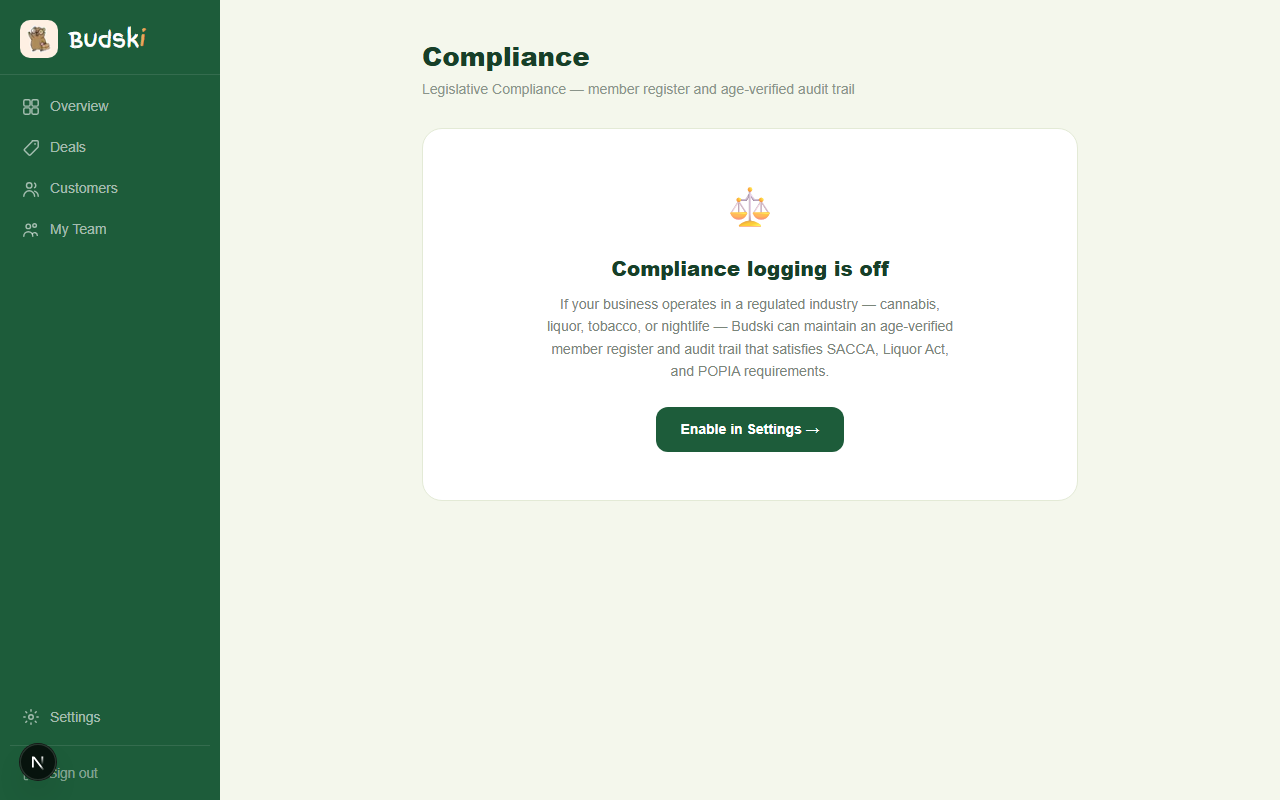
The Compliance page only appears in the sidebar if you have enabled a regulated compliance mode in Settings. If you are running a standard business without age restrictions, this page is not visible.
★ Legislative Compliance is available on the Growth plan.
Enabling compliance
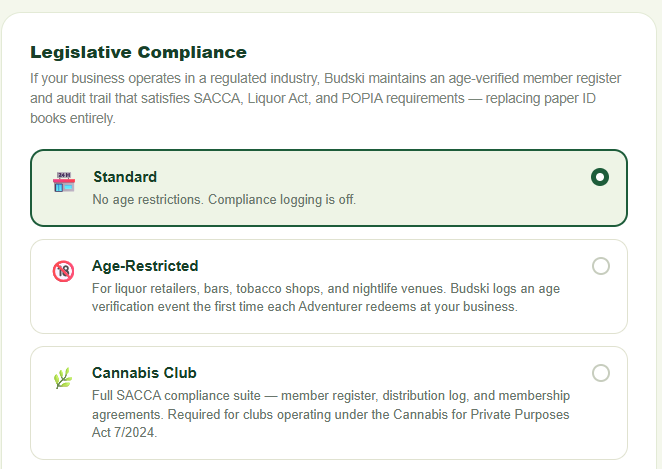
Before this page is useful, go to Settings → Compliance tab and choose either Age-Restricted or Cannabis Club. Once you save that setting, the Compliance item appears in your main navigation and this page becomes active.
Age-Restricted mode
If your business sells liquor, tobacco, or operates a nightlife venue, the Age-Restricted mode keeps a log of every age verification your staff carry out. When a new customer redeems for the first time at your business, your staff confirm their identity using one of the accepted documents:
- SA ID (Smart Card)
- SA ID (Green Book)
- Passport
- Driver's Licence
This happens in the Worker-Bee app at the counter. The Compliance page shows you the full log: the customer's anonymised code, the document type used, the date and time, and any notes captured by staff.
Filtering and exporting
Use the date range filter to narrow the log to a specific period. Click Apply to refresh the results. Click Export CSV to download the filtered records as a spreadsheet — useful for an inspection or your own compliance records.
A compliance summary appears at the bottom of the log: "Your Business has X age-verified loyalty members. Zero minors admitted." Read it as a count of the verifications your staff recorded, not as proof that nobody unverified was ever served — it can only report what was logged. Your own door policy is still what keeps minors out.
Cannabis Club mode
Cannabis clubs operating under the Cannabis for Private Purposes Act 7/2024 need a more detailed record. This mode gives you three sections:
Age Verification Log
The same 18+ log as Age-Restricted, exportable as CSV.
Distribution Log
A SACCA-required record of every distribution event at your club. Your staff capture the product category (Flower, Pre-roll, Concentrate, Edible, Topical, or Other) and quantity in grams through the Worker-Bee app. The Compliance page shows the full log and lets you export it as CSV.
Membership Agreements
A record of every signed membership agreement. Staff capture the agreement in the Worker-Bee app when a new member first redeems. Each entry confirms that the member signed the SACCA-compliant agreement and gave POPIA consent.
Click Download Template to get the standard membership agreement template in Word format.
Privacy
All member records use anonymised Adventurer codes. Budski stores no names, ID numbers or contact details against a member: a customer record is a code, a join date, and whether they have been age-verified. Identity documents are inspected by your staff at the counter but never uploaded or retained by the platform. The one place personal information can end up is the free-text notes box, which is why the guidance above is to leave it out.
Need help? Email help@budski.co.za